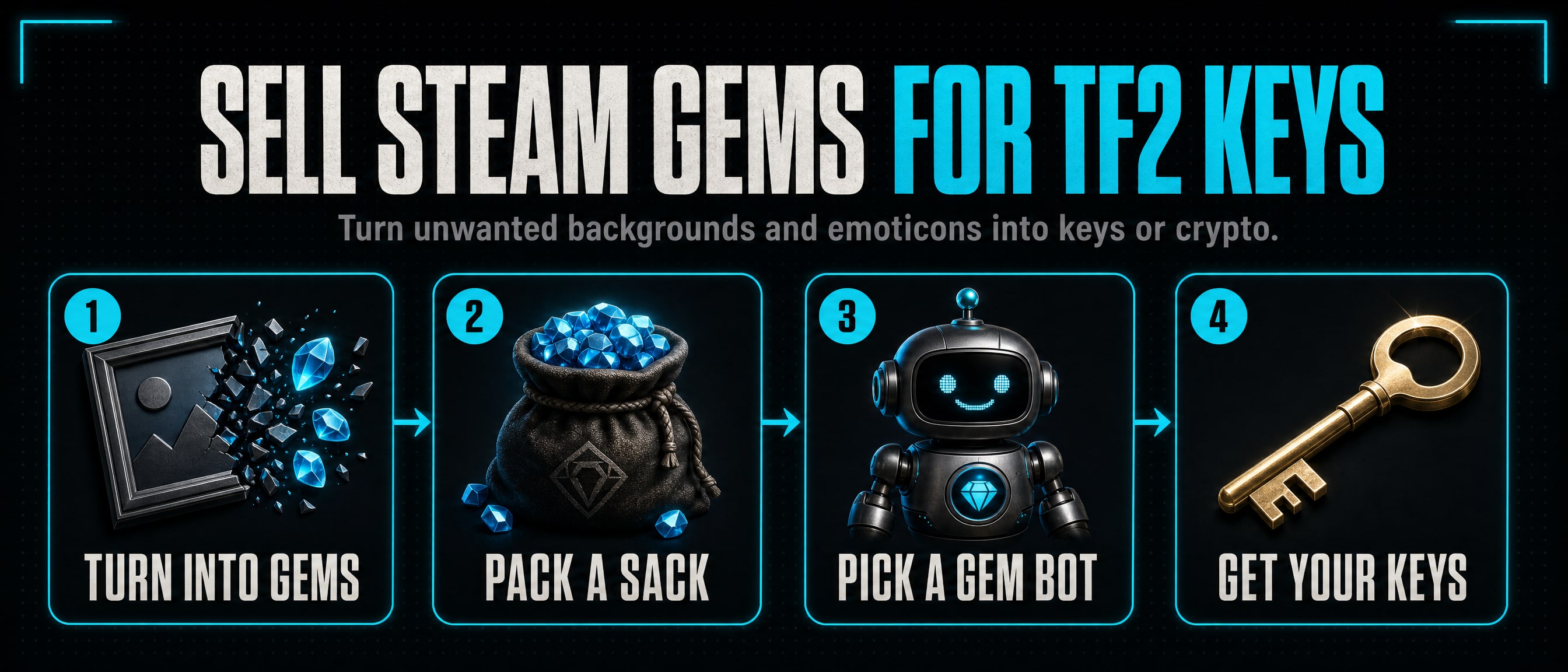
How to sell Steam gems for TF2 keys
Most Steam accounts have gems lying around, or items that could be turned into them. Here is how to get your gems into a form you can trade, and where to sell them for TF2 keys or for crypto.
1. What Steam gems are
Gems are Steam’s crafting material. You make them by breaking down items you do not want, and you spend them in the Booster Pack Creator to make booster packs of trading cards. Because people who level up want those cards, gems have a steady value, and gem bots buy and sell them for keys.
2. Turn items into gems
Profile backgrounds, emoticons and trading cards can all be broken down. Crafting a badge usually drops a background or an emoticon, so anybody who levels up collects plenty.
- In Steam, open Inventory and choose the Steam tab.
- Click an item you do not want and choose Turn into Gems... Steam shows how many gems it is worth before you confirm.
- Confirm. The item is gone for good and the gems are added to your inventory.
Check the item’s price on the Community Market first: a rare background can be worth more sold as it is than as gems.
3. Pack them into Sacks of Gems
Loose gems cannot be traded. A Sack of Gems holds exactly 1,000 gems and can be traded and sold, so selling starts with packing.
- In your Steam inventory, click your gems.
- Choose the option to pack them into a Sack of Gems. Each 1,000 gems becomes one sack.
- Anything under 1,000 stays loose until you have enough for another sack.
A sack can be unpacked back into 1,000 gems the same way whenever you want to use them yourself.
4. Where to sell them
To a gem bot, for TF2 keys
Our gem bot list shows each bot’s rate as gems for one key, with the stock and when it last reported. When you sell, look at what the bot pays: the fewer gems it asks for one key, the better for you.
- Pick a bot that buys gems, and open its profile to see what it accepts.
- Add it on Steam and type
!commandsin chat. Gem bots differ, so its own command list tells you how to sell. - The bot sends a trade offer. Check that it takes only the sacks you meant to sell and gives you the keys you were quoted, then accept it with your Mobile Authenticator.
Keys are the easiest thing to spend next: on a level up bot (see the cheapest Steam level up bots), or for crypto at Gameza Level Up, which buys TF2 keys.
For crypto, at Gameza Level Up
Gameza Level Up buys Steam gems for USDT or USDC, paid to your own wallet. It is run by the same people as SteamTradeX.
- Pack your gems into sacks (step 3). One sack, 1,000 gems, is the least you can sell.
- Sign in there with Steam. Its bot sends you a trade offer for the sacks; accept it in Steam.
- The payment goes to the wallet address you give, on the network you choose.
On the Steam Community Market
Sacks of Gems can also be sold on the Market, but the money stays in your Steam Wallet: you can spend it on Steam and cannot take it out.
5. Staying safe
- Never send first. Sell through a trade offer that shows both sides, and read it before you accept.
- Check who is sending. Copies of real bots use the same name and picture. Compare the Steam ID with the one on the bot’s SteamTradeX page.
- Never type your Steam password on a site you reached from a link, and never give anybody a Steam Web API key. A real buyer only needs a trade offer.
- Too good is a warning. Gem prices are much the same everywhere. An offer far above them is bait.
Questions
How many gems is a Sack of Gems?
Exactly 1,000. Loose gems cannot be traded, so sacks are how gems change hands.
How many gems do I get for a TF2 key?
It depends on the bot and moves with the market. Each gem bot’s live rate is on the gem bot list.
Can I buy gems instead?
Yes, the same gem bots sell them, and Gameza Level Up sells Steam gems too.