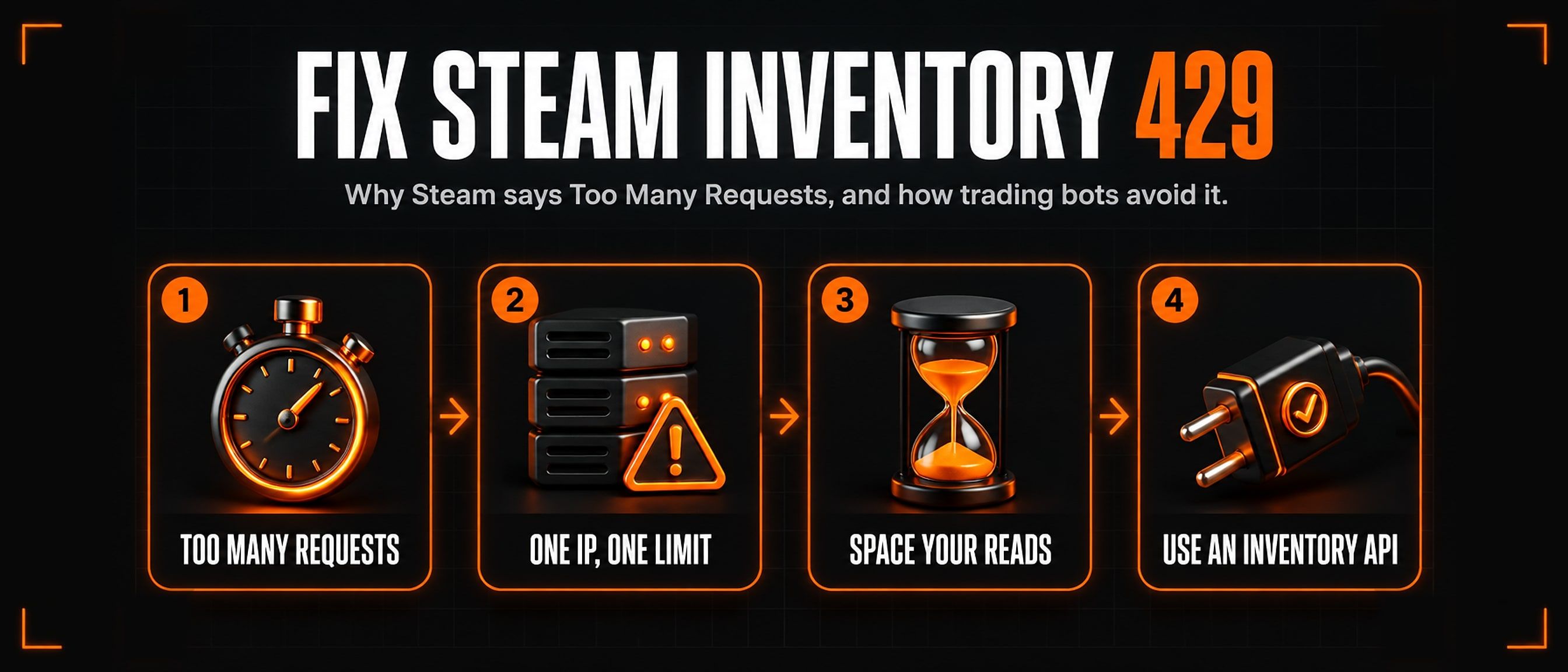
Steam inventory 429 Too Many Requests: how bots fix it
Your bot asks Steam for a customer’s inventory and gets 429 Too Many Requests instead. Here is what that means, why trading bots hit it so often, and what actually stops it.
1. What the 429 means
A bot reads an inventory from Steam’s public inventory address, one page at a time:
https://steamcommunity.com/inventory/{steamid}/753/6?l=english&count=2000429 is Steam saying the address the request came from has asked too often. It is not about the customer, and it is not a ban on your bot’s account. It is a rate limit on the IP address, and it lifts on its own once you stop asking for a while.
The harm is quieter than an error. A bot that treats a failed read as an empty inventory quotes the customer for nothing, or for far fewer sets than they own, and they leave.
2. Why trading bots hit it
- Every customer is a read. A busy level up bot checks inventories for every
!check, every sell quote and every trade, all from one server. - Big inventories are several reads. Steam sends at most 2,000 items a page, so a customer with 10,000 cards costs 5 requests.
- The limit is per address. Two bots on one server, or a bot and your own browsing on one connection, share it.
- Logged in reads are tighter. We measured the same customer, seconds apart: read anonymously, Steam answered; read with the bot’s own logged in session, Steam answered 429.
- Steam judges the program, too. Node.js’s default user agent was refused every time in our tests, where the same request naming itself as a Steam client was answered.
3. How much Steam allows
Steam does not publish its limit and changes it without notice, so treat these as what we measured from one server in October 2026, not as a promise:
- About 10 pages back to back from a fresh address.
- After that, roughly one page every 18 seconds.
- After a 429, about two minutes of quiet was enough to be answered again. Keep asking during the block and it lasts longer; people who hammered it report blocks of hours.
In plain numbers: one address carries a few customers a minute at best. That is plenty for a quiet bot and nowhere near enough for a busy one.
4. Fixes you can make yourself
- Ask like a Steam client. Send a Steam user agent, ask for JSON and accept gzip. Zipped, a full page is a fraction of its size.
User-Agent: Valve/Steam HTTP Client 1.0 Accept: application/json Accept-Encoding: gzip Referer: https://steamcommunity.com/profiles/{steamid}/inventory - Read anonymously. Do not send the bot’s login cookies with inventory reads of other people. The bot’s own inventory is the exception.
- Space your reads. Keep at least 20 seconds between reads from one address once the first burst is used, and queue the rest instead of firing them together.
- Back off on a 429. Stop asking from that address for about two minutes. Retrying at once only extends the block.
- Page properly. Ask for 2,000 items, and when the answer has
more_items, ask for the next page withstart_assetidset to itslast_assetid. - Never treat a failure as empty. If a read fails, tell the customer to try again rather than quoting them from nothing.
5. When one address is not enough
A busy bot needs more addresses than one server has. The usual way is a pool of proxies, each with its own allowance, rotated so none is asked too often, with the ones Steam refuses rested and the dead ones set aside.
Only the inventory reads go through proxies, never the bot’s Steam login. Signing a bot account in through a proxy or a VPN looks like a stolen account to Steam, and it can cost you the account. Keep the login on your server’s own address, always.
Running a proxy pool well is real work: most bought proxies are refused by Steam, and the good ones change. That is the work an inventory API does for you.
6. Use an inventory API
The SteamTradeX Inventory API reads inventories for your bot from our own pool of addresses and hands back Steam’s own JSON, so code written for Steam reads it unchanged.
- Up to 2,000 items a request, from 7,000 requests a TF2 key.
- Private, empty and failed reads are free, within a fair-use limit for private and empty ones (20 a minute, 120 an hour and 600 a day per account). The data is always live, never cached.
- 100 free requests to try it.
Running a level up or gem bot? Add it with one command. Writing your own? Read the API reference.
Questions
How long does a Steam inventory 429 last?
In our tests, about two minutes without asking was enough. If you keep asking while blocked, it lasts longer, and heavy use has been reported to block an address for hours.
Does a VPN fix it?
For your own browser, a different address can. For a bot, never put its Steam login behind a VPN: it can cost you the account. Move only the inventory reads, or use an inventory API.
Can Steam ban my bot for a 429?
A 429 is a rate limit on the address, not a ban on the account. What puts an account at risk is signing it in from addresses that keep changing.
Why does my own inventory still load?
The limit bites when one address reads many other people’s inventories. A bot reading its own inventory is one read, through its own login, which is where that read belongs. Read other people anonymously.