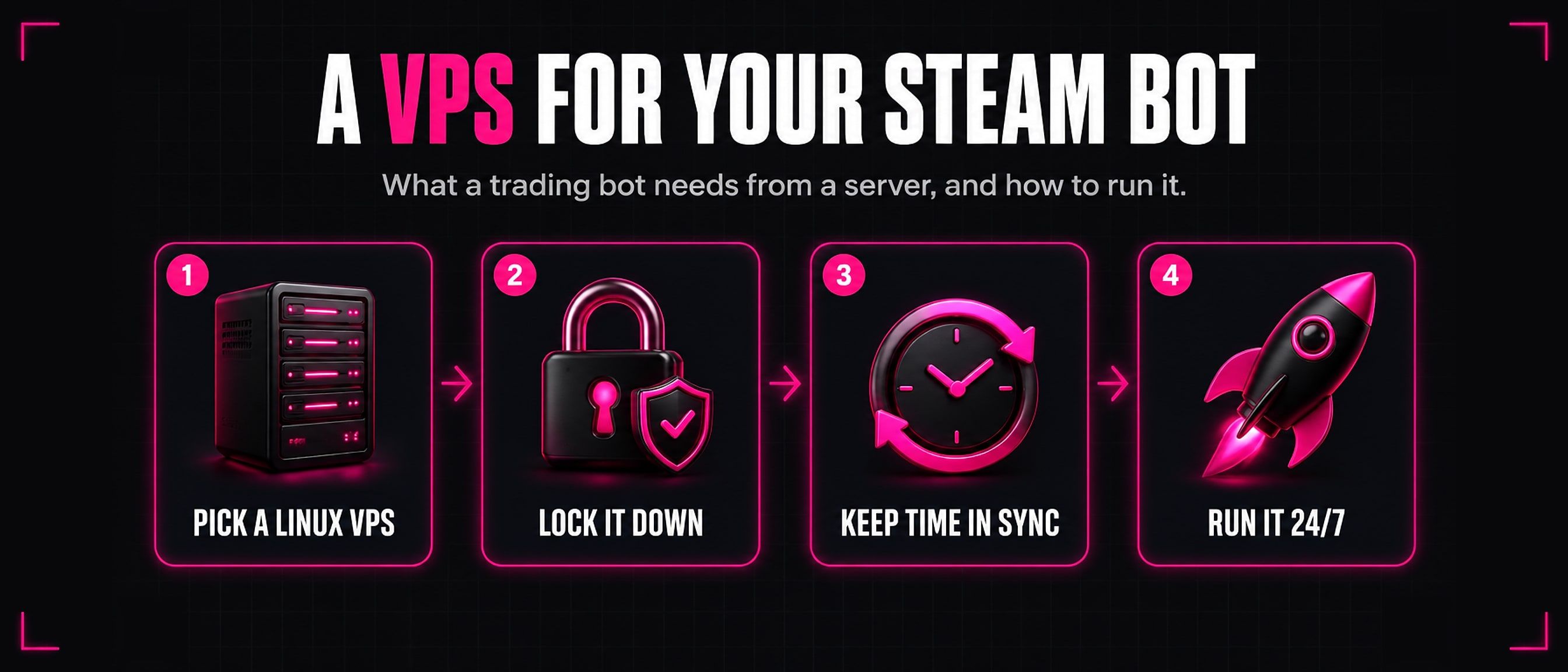
Choosing a VPS for a Steam trading bot
A Steam trading bot only earns while it is online. Here is what it actually needs from a server to run 24/7, what matters less than people think, and how to keep it safe and running.
1. What a Steam bot needs from a server
- Always on. A bot that is offline misses trades and customers. A VPS runs day and night without depending on your own computer, power or internet.
- A stable IP address. Steam watches where an account signs in from. A bot that signs in from an address that keeps changing looks like a stolen account. One server with one fixed address is what you want.
- Linux. Many Steam trading bots are Node.js programs, and they run happily on any current Linux. It is lighter than Windows, and it is what most bot guides and install scripts expect.
- Modest CPU and memory. A Steam bot spends most of its time waiting for Steam. A small VPS is usually enough for one bot. Add memory if you run several bots, a database or a dashboard next to them.
- A reliable network. Speed matters little. What matters is that the connection does not drop, because every drop is a sign in again.
Never run the bot’s Steam login through a VPN or a proxy. Signing a bot account in from borrowed or rotating addresses looks like a stolen account to Steam, and it can cost you the account. Keep the login on your server’s own address, always.
2. Does location matter?
Less than you might think. Being close to Steam’s servers or to your customers saves a fraction of a second per request, and trades are not a race.
What matters more is the address itself: stable and clean. An address that stays the same, and that has not been abused before, is worth more than a few milliseconds. Pick a location and stay there, because moving the bot is a change of address too.
3. Security basics
Your server holds the keys to a Steam account full of items. Treat it that way from the first day:
- Sign in with SSH keys, not passwords. Turn password sign in off once your key works. Bots scan the internet for servers with weak passwords all day long.
- Turn on a firewall. Allow SSH and anything your bot or dashboard really needs, and close the rest.
- Keep the system updated. Install security updates regularly, or switch on automatic security updates.
- Do not run the bot as root. Give it its own user. If something goes wrong, the damage stays inside that user.
- Guard the Steam Guard secrets. The
maFile, with itsshared_secretandidentity_secret, is everything needed to sign in and confirm trades. Keep it readable only by the bot’s user, never share it, and keep a backup somewhere safe and offline.
4. Keeping it running
- A process manager. Run the bot under PM2 or in Docker with a restart policy, so it comes back on its own after a crash or a server reboot.
pm2 start index.js --name steam-bot
pm2 save
pm2 startup
- Logs. Keep the bot’s logs, and make sure they rotate so they do not fill the disk. When a trade goes wrong, the log is the first place to look.
- Backups. Back up the bot’s data, its settings and its Steam Guard secrets. A server can be rebuilt in minutes; a lost
maFilecannot. - Correct time. Steam Guard codes and trade confirmations are worked out from the clock. If the server’s clock drifts, sign ins and confirmations start failing for no clear reason. Keep it synced:
timedatectl status
sudo timedatectl set-ntp true
Look forSystem clock synchronized: yes.
5. Inventory reads and rate limits
A busy level up or card set bot reads a customer’s inventory for nearly every check and trade, and Steam limits how often one address may do that. Past the limit Steam answers 429 Too Many Requests, and a bigger server does not help: the limit is on the address, not on the machine.
Several bots on one VPS share that one address, and so share its allowance. Read why Steam answers 429 and how to stop it, or let the SteamTradeX Inventory API do the reads for your bot.
6. A bot to run on it
Need a bot for your server? Our Steam level up bot runs on your own Linux VPS for 30 TF2 keys once, with no monthly fee. Its dashboard runs on your server and opens in your browser.
Or start with our free, open-source level up bot: one bot that trades card sets for TF2 keys, set up with one settings file. It runs happily on a small VPS.
Questions
How much RAM does a Steam bot need?
Less than most people expect. One Node.js bot usually runs comfortably on a small VPS. Give it more memory when you run several bots, a database or a web dashboard on the same server.
Can I run a Steam bot on my home PC?
You can, but it has to stay on day and night, and your home address must not keep changing. Power cuts, restarts and a router that changes your address all take the bot offline or look suspicious to Steam. A VPS avoids all three.
Should I use Windows or Linux?
Linux. It is lighter, it is what most bots and install scripts are written for, and it can run for long stretches without a restart, rebooting when you choose to install updates. Windows works, but it costs more memory and restarts itself for updates.
Can I run several bots on one VPS?
Yes, as long as there is memory for them. Remember that they share one address, so they share Steam’s inventory limit too. A busy group of bots will need an inventory API or careful spacing of its reads.
Do I need a dedicated IP?
You need a stable one: the same address every time the bot signs in. A normal VPS address that stays with your server does that. What to avoid is anything that changes it, including VPNs and proxies for the bot’s login.