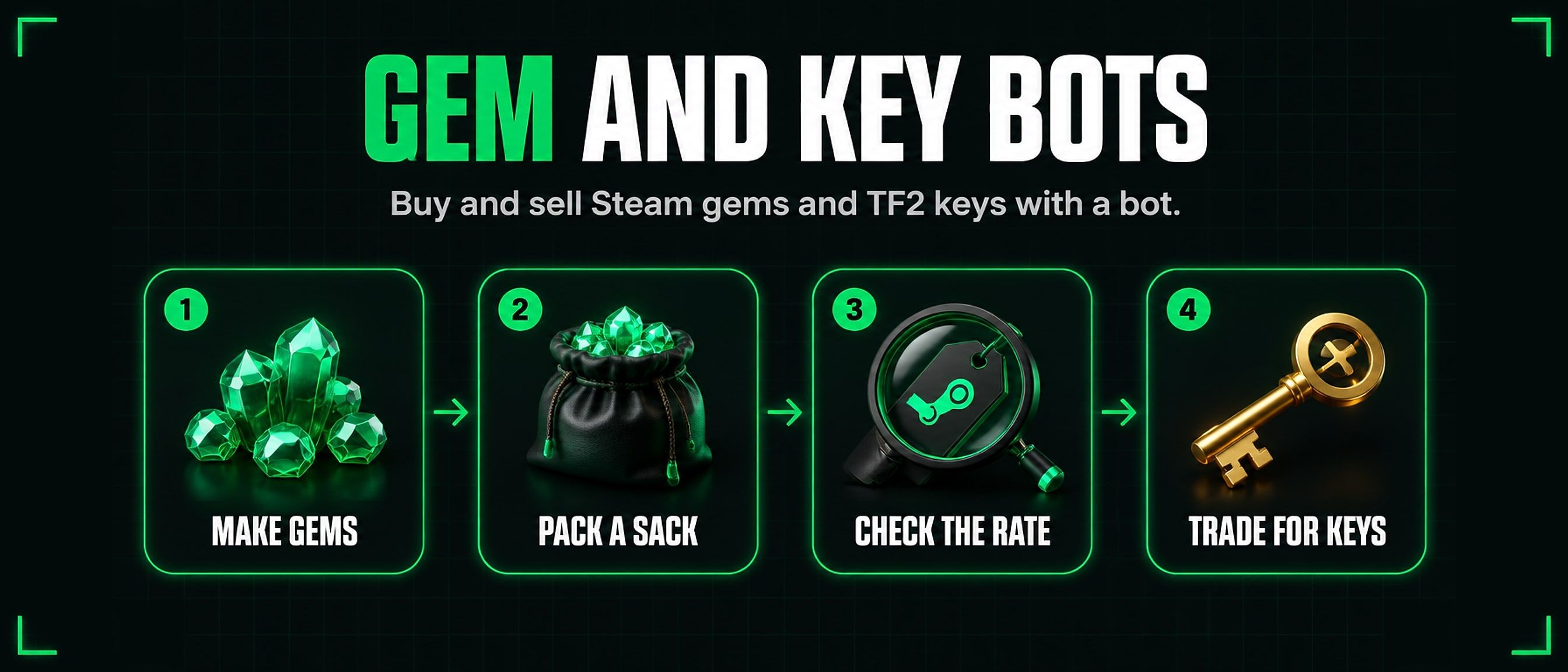
Steam gem bots and TF2 key bots
Gem bots swap Steam gems for TF2 keys, in both directions, at any hour. Here is what they do, why people buy and sell gems at all, how to read a bot’s rate and compare it with the others, and how to trade with one safely.
1. What a gem bot does
A gem bot is an automated Steam account that buys and sells Sacks of Gems for TF2 keys. A sack holds exactly 1,000 gems, and it is the only form in which gems can be traded, so a gem bot always deals in whole sacks.
Its rate is quoted per key: so many gems for one key, or so many sacks for one key. Most gem bots work both ways, with one rate for buying from you and another for selling to you, and the difference between the two is how the bot makes its living.
You add the bot on Steam, tell it in chat what you want, and it sends you a trade offer. Nobody has to be awake on the other side.
2. Buying gems
People buy gems for two reasons:
- To make booster packs. Gems are spent in Steam’s Booster Pack Creator on packs of trading cards for games you own. People who craft badges use them to get the cards they are missing.
- To pay a level up bot. Some level up bots take gems for card sets as well as keys. If you already hold gems, or gems work out cheaper than keys at the moment, you can level up with them. The level up bot list shows which bots take gems and at what rate.
To buy, pick a bot on the gem bot list that sells gems and has sacks in stock, add it, and type !commands in chat to see how it sells. You offer keys, and the bot sends sacks back. Once the sacks are in your inventory you can unpack them into loose gems whenever you want to spend them.
3. Selling gems
Selling is the same trade the other way: break down items you do not want into gems, pack the gems into sacks, and offer the sacks to a gem bot that buys them. The bot pays you in TF2 keys.
The full walkthrough, from turning items into gems to where to sell them, is in how to sell Steam gems for TF2 keys.
4. TF2 keys and key bots
The Mann Co. Supply Crate Key from Team Fortress 2 is the currency of Steam trading. Its price moves slowly, almost any Steam account can trade it, and nearly every trading bot accepts it. That is why gem bots, level up bots and card bots all quote their rates in keys.
Bots that sell keys are on our list too:
- For gems: a gem bot that buys gems is, from your side, a bot that sells keys for gems. If you hold sacks and need keys, that is the trade.
- For card sets: some level up bots also buy sets, paying in keys.
- For crypto: crypto bots trade keys for cryptocurrency, or the other way round.
To buy keys outright, see how to buy TF2 keys safely.
5. Read a rate and compare bots
On the gem bot list, each bot’s rate is the number of gems for one key. Which way is better depends on which side you are on:
- Buying gems: the more gems a bot gives for one key, the better for you.
- Selling gems: the fewer gems a bot asks for one key, the better for you.
For levelling up, compare the level up bot list the same way: sets per key, and gems per set where a bot takes gems.
Steam item rates move, so treat the number on the list as a guide and check the bot’s live rate in chat before you trade. The list shows when each bot last reported. A bot that has gone quiet for hours is marked offline rather than shown with an old rate as though it were current.
Look at stock as well as the rate. A bot with a good rate and few sacks may not fill a large order, and a bot that cannot fill even one key at its own rate is moved off the main table.
6. Trading safely
- Turn on Steam Guard Mobile. Without the Mobile Authenticator, Steam puts traded items on hold for days, and some bots will not trade with you at all. With it, a trade completes when you confirm it on your phone.
- Check every item in the offer. Before you accept, read both sides: the right number of sacks or keys, and nothing else taken from you. If anything differs from what you were quoted, decline it and ask again.
- Check who is sending. Copies of real bots use the same name and picture. Compare the Steam ID with the one on the bot’s SteamTradeX page.
- Heed the scam marks. A bot our staff marked as a scam, or that failed our own rate check by giving less than it advertises, is moved off the main table with the reason shown. Do not trade with it.
- Never send first, and never type your Steam password on a site you reached from a link. A real bot only needs a trade offer.
7. Running your own bot
Running a gem bot or a level up bot? List it for free, and it reports its own rates and stock to the list. Want a bot to run? Our level up bot runs on your own Linux VPS for 30 TF2 keys once.
Questions
How many gems are in a sack?
Exactly 1,000. Gem bots trade in whole sacks, so rates are often given in sacks per key as well.
Can I trade loose gems?
No. Loose gems cannot be traded. Pack them into Sacks of Gems first: each 1,000 gems makes one sack, and anything under 1,000 stays loose until you have enough for another.
Why is my gem rate different from another bot’s?
Each bot sets its own rate, from what it paid for its stock and how much it holds, and rates move with the market. A bot also buys and sells at different rates. Compare them side by side on the gem bot list.
Do gem bots take CS2 keys?
Some listed bots accept other keys as well as TF2 keys. What each bot takes is shown on the list and on its profile, so check there before you trade.
Can I sell gems on the Community Market instead?
Yes, but the money stays in your Steam Wallet and cannot be taken out. A gem bot pays you in keys, which you can trade on.